Cromblog
Rebuilding an Interactive Phoneme Chart
June 4, 2026 · 3 min read
I have rebuilt one of my early web projects— an interactive phoneme chart. It was a dark blue page full of IPA symbols, language buttons, category toggles, and audio clips. The idea was simple: select a language, click around the chart, and hear how its sounds are pronounced. It became a handy tool for identifying the distinct and shared phonemes of Mandarin Chinese and English.
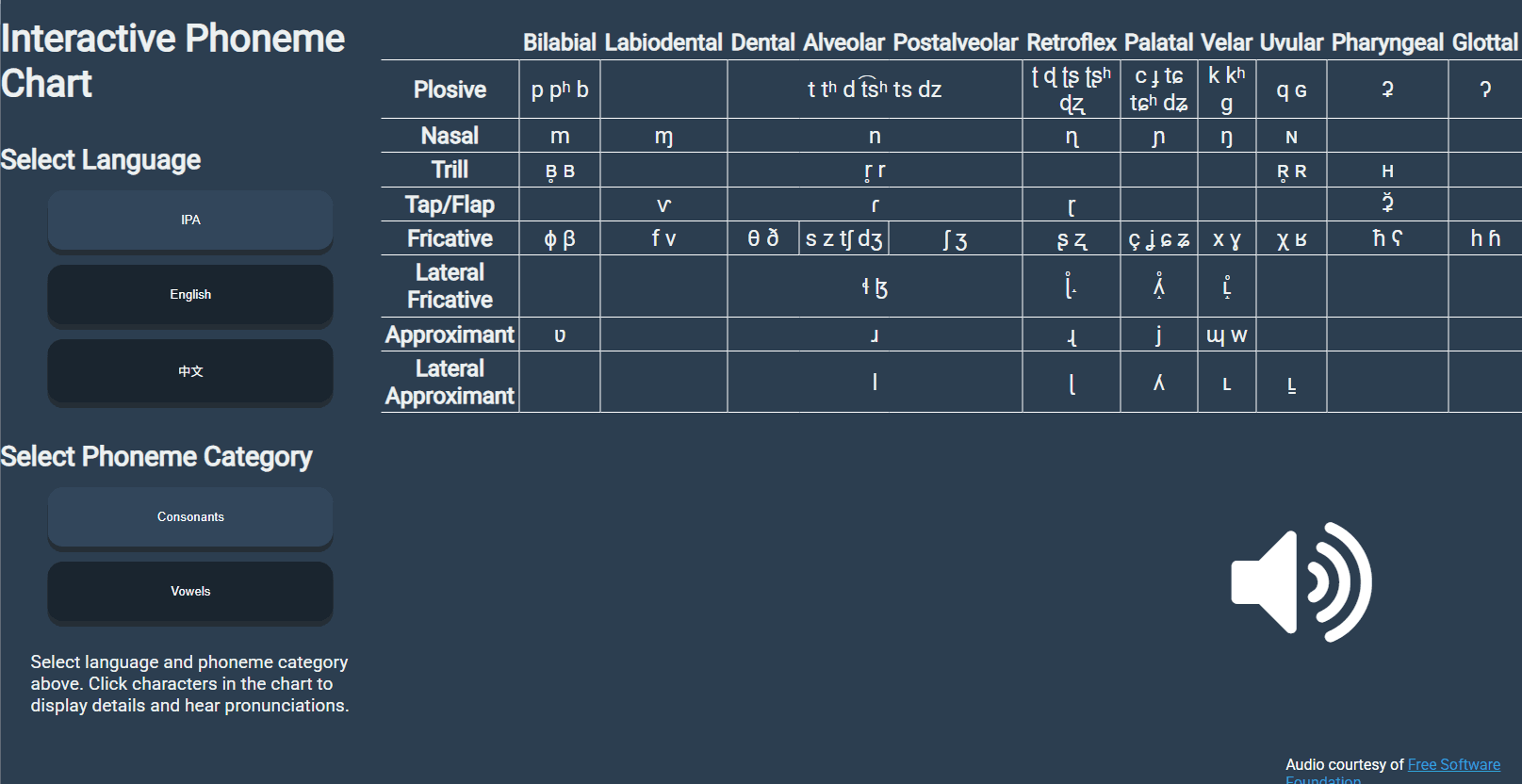
Looking back at it now, I can see that the interface was too dense. The table dominated the whole screen, the controls were vague, and the audio system was tied directly to the markup. The idea was still solid, though.
To fix it up, I introduced a more elaborate control panel to the left of the full IPA chart. From there, users can access a second language-specific view built from background data about each language. I also cleaned up the data model by moving the phoneme and language information into TypeScript objects.
I added seven real languages, along with historical context for each: Spanish, Arabic, Japanese, Hindi, Russian, German, and French. As part of my ongoing civilization simulation project, I also introduced five constructed languages from my Azhora project: Mittoli, Moreshi, Bouéni, West Pyrosi, and Central Grassic.
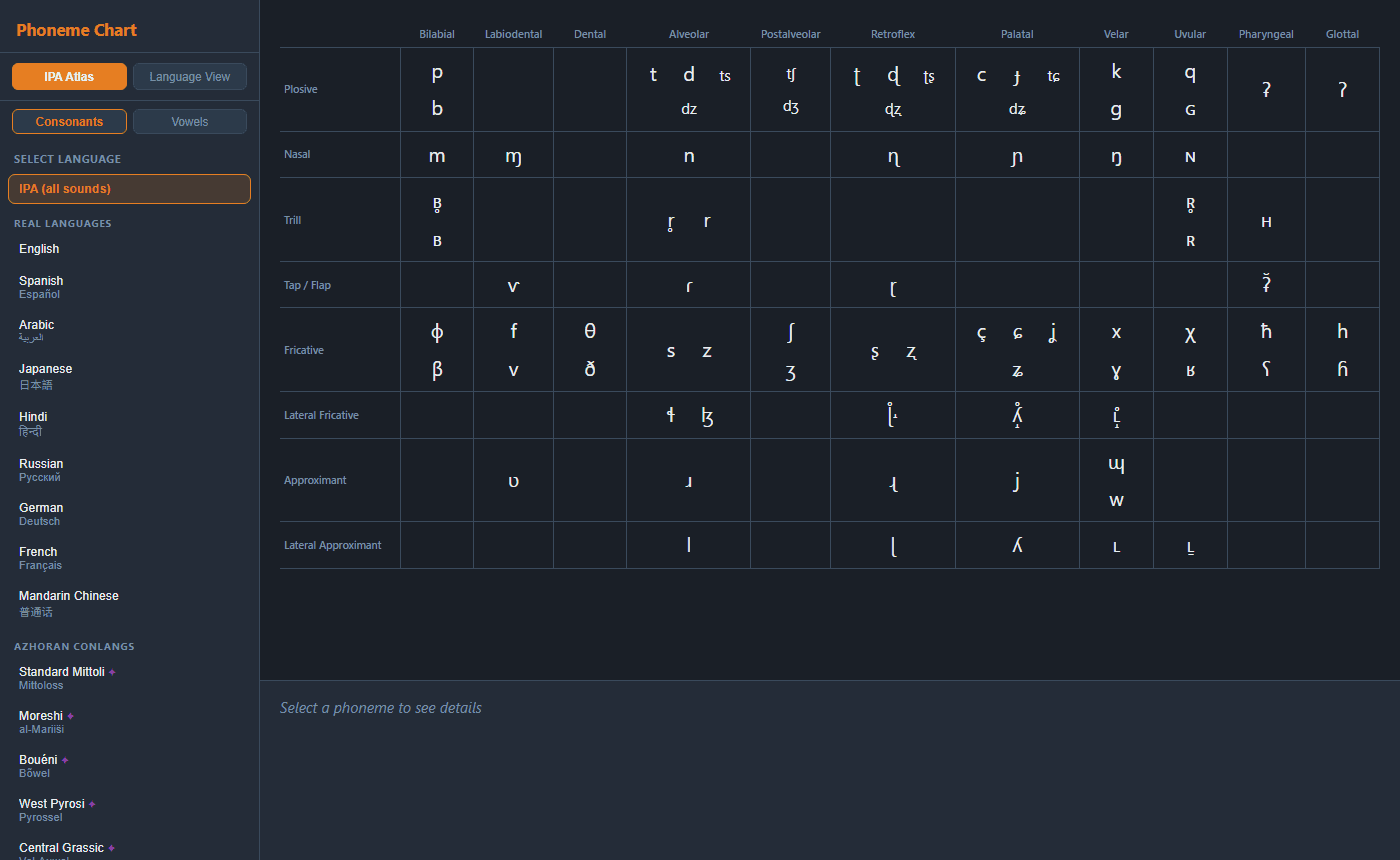
The result is still simple, but it is now much closer to the kind of reusable linguistic tool I can connect to future worldbuilding and civilization-simulation projects.